
Capture Recipes From Any Website
Owlet makes it easier to save recipes you find online without copying and pasting every ingredient and instruction by hand.
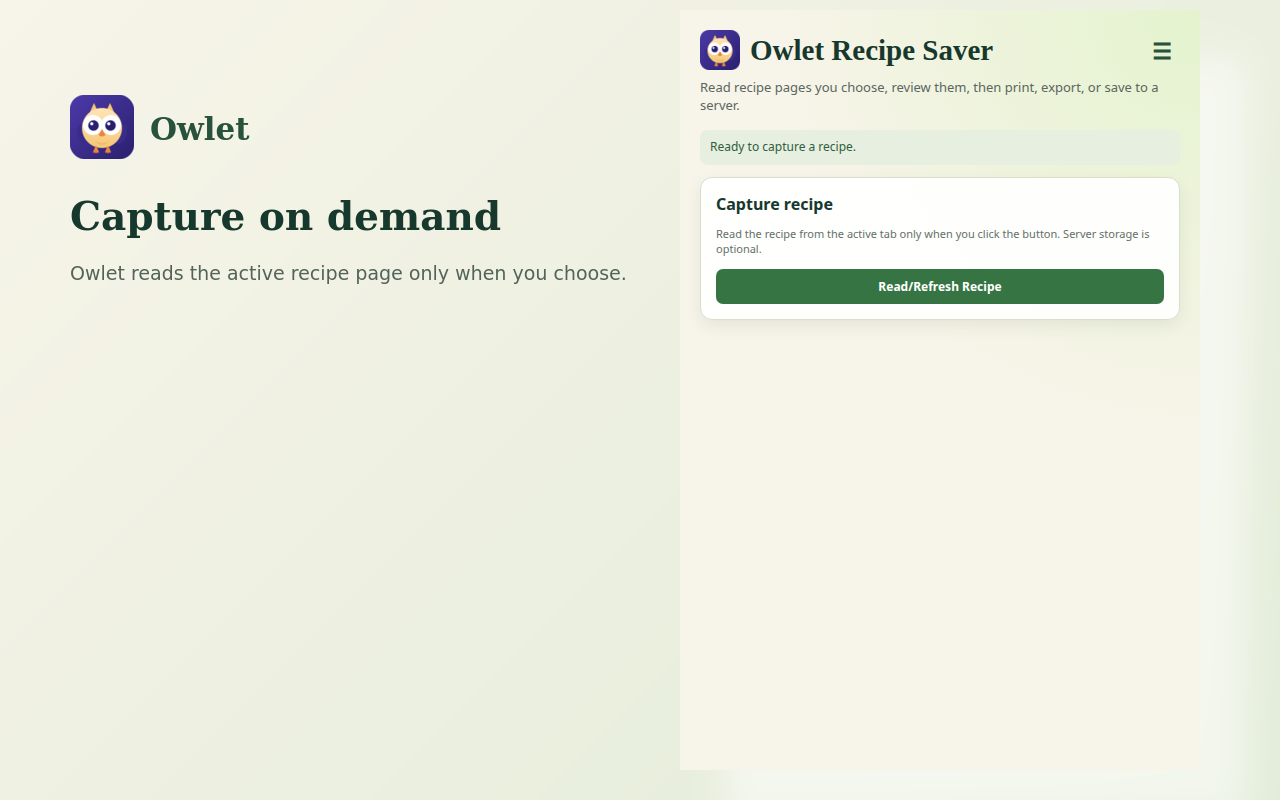
Choose a recipe webpage, open Owlet, and read the recipe.
When you find a recipe you want to keep, the first step is simply to open the webpage in your browser and choose Owlet. The extension reads the recipe information from the page when you explicitly ask it to.
Owlet is designed around structured recipe information commonly provided by recipe websites. Instead of asking you to manually rebuild a recipe, it attempts to bring the important pieces together for review.
You're in control
Owlet does not automatically crawl websites or collect recipes in the background. The capture process starts with your action. You decide which page to read and what you want to do with the result.
What happens next?
After the recipe is captured, Owlet gives you an opportunity to review it. You can make changes before printing, exporting, or saving it to KitchenOwl.