
Save Recipes to KitchenOwl
Owlet can send a recipe to the KitchenOwl server you choose after you've reviewed and approved it.
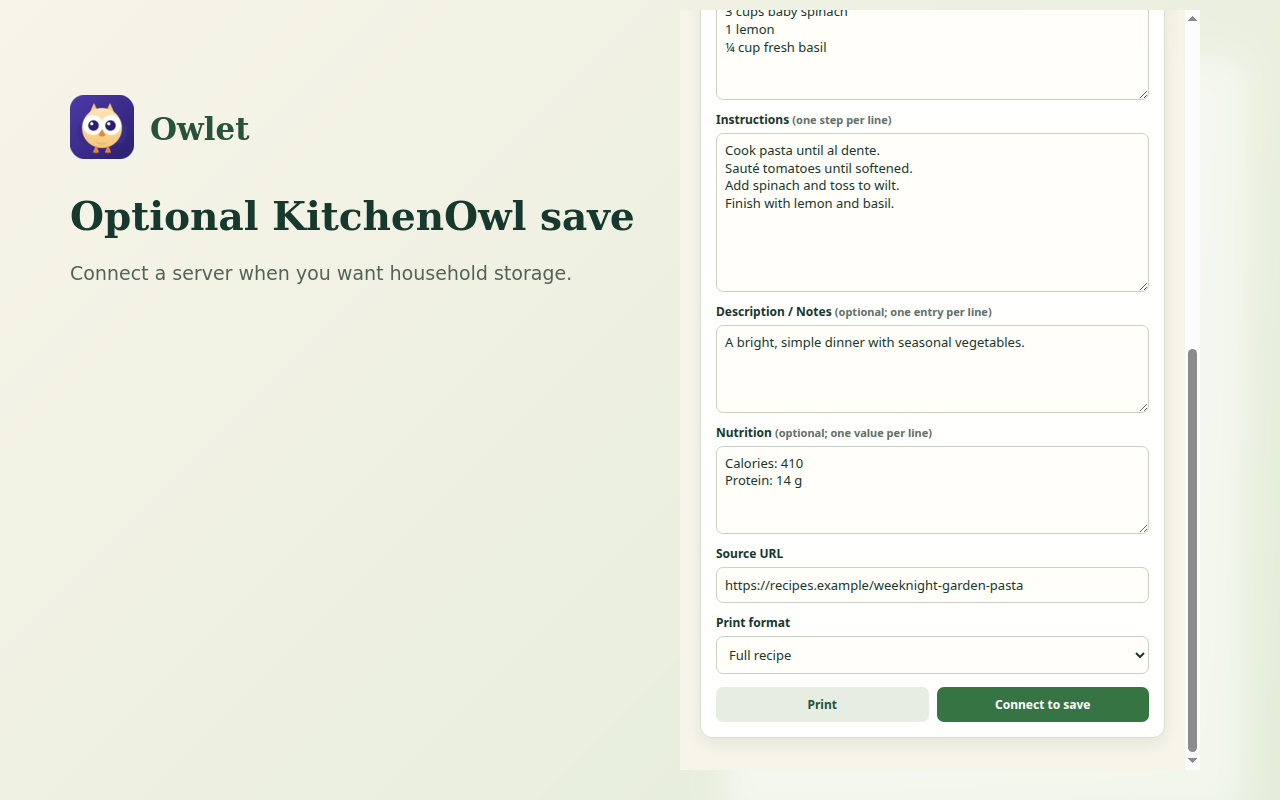
Save the reviewed recipe to your selected KitchenOwl server.
KitchenOwl gives you a place to organize and manage your recipes. Owlet adds a convenient way to capture recipes from the web and move them into your KitchenOwl collection.
Use your own KitchenOwl server
Owlet is designed to work with a hosted or self-hosted KitchenOwl installation. You select the server you want to use rather than sending your recipes to an Owlet-operated storage service.
Review first, save second
After capturing and editing a recipe, choose the KitchenOwl save option. Owlet sends the recipe information to the KitchenOwl server you've selected.
KitchenOwl is an independent project and is not operated by Keniem or Owlet. Owlet provides the browser-side workflow for users who choose KitchenOwl as their recipe destination.
KitchenOwl is optional
You don't need a KitchenOwl server to use Owlet. Recipes can also be printed or exported locally.